



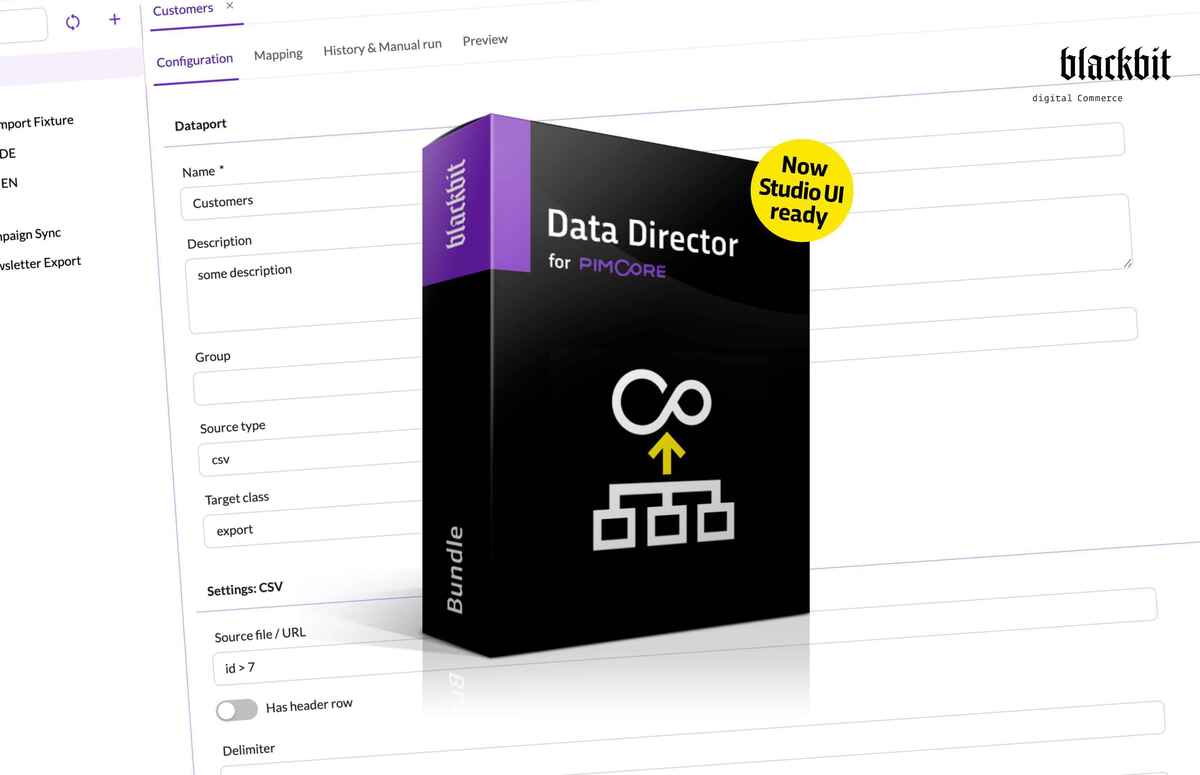
The time has come: The Blackbit Data Director for Pimcore is now running in the Studio UI. Version 4 introduces a completely rebuilt user interface – available starting with Pimcore Platform 2025.4.
Version 4.0 Introduces the Studio UI
Starting with version 4, the Blackbit Data Director for Pimcore is available in the Studio UI. Pimcore Platform 2025.4 or newer is required. The classic ExtJS interface is no longer included in version 4.
It is the user interface that is new, not the product. The import and export engine, the syntax of the data query selectors, the format of the mapping configuration, the raw data storage and the REST API remain unchanged.
What the New Interface Can Do
- Find Dataports Instead of Searching
Even with a hundred dataports, the right one is seconds away. A searchable, grouped tree displays all configured Dataports. The search supports multiple terms and filters groups and individual entries simultaneously. Creating, copying (including all field mappings and raw data fields), and deleting are performed directly via the tree. - Mapping Editor for All Common Field Types
Even complex structures map without workarounds: scalars, relations, field collections, blocks, object bricks, Classification Store, media, and calculated values. Entering Data Query Selectors retains the familiar syntax, and autocomplete has been significantly improved. - Preview Before Anything Happens
You see what your mapping produces before you run it, instead of finding out in a test import: a separate tab displays sample raw data from the source and, next to it, the Pimcore element that would be created from it based on the current mapping. No saving required, no need to run a job. - Start Runs and Watch
You see where an import stands while it runs, instead of waiting for the result. A form tailored to the source type guides you through the necessary details – file upload, SQL filters with language selection, or simple parameters – optionally as a dry run. The run history for each dataport updates automatically during an import and displays status, progress, number of errors, and timestamps, with filters and the option to cancel ongoing processes. - Track What a Run Has Changed
You find faulty records in one click instead of digging through logs: the detailed view of a run links each error directly to the affected Pimcore element and displays field-level changes as colored diffs. Export files can be downloaded and previewed, and file-based imports can be repeated with the same file at the click of a button. - Separate Execution And Configuration Permissions
Business users start imports themselves without access to credentials: users with execution-only permissions can start a Dataport without seeing the source’s credentials.
Try It Before You Switch
Try out the new interface in our demo installation without setting up your own environment: create Dataports, build mappings, use the preview, start a run, and check the details view to see what changes were made. The installation resets every 24 hours.
We appreciate your feedback. What do you find missing, what is cumbersome, and what behaves differently than expected for you? Every observation from your real-world work experience helps us prioritize the next releases correctly.
What Hasn’t Been Ported Yet
Version 4 is the first release on the Studio UI. The following features from the classic interface are not yet included:
Reverting imports, meaning undoing the fields changed by an import on the affected objects. Import and export via right-click in the object, asset and document tree, as well as the quick actions in the element toolbar. Object wizard dataports – they fall back to a plain text field for the parameter. The dashboard portlets for the error monitor, the queue monitor and tagged elements. Interactive follow-up on a dry run – locking a field, permanently ignoring a value or syncing a value back; a dry-run toggle on a real run already works. The integration with Pimcore's grid configurations for export and import; the regular feed export to XML, JSON, CSV and Excel is not affected. Dataports based on custom reports. Version history and restore for dataport configurations. Managing REST API keys and the per-dataport OpenAPI documentation through the interface – the REST API itself remains unchanged. Visualization of mapping dependencies. Notifications. Object preview. The integrations with the Pimcore Process Manager and the FormBuilder. The placeholder-aware field types in the Studio object editor, meaning the input and WYSIWYG fields with variables and the HTML container layout field. And the search-by-field integration.
All of these are on the roadmap. You will find the complete overview in the documentation, every chapter that currently applies to the classic interface only is marked there.
If any of these items are essential for one of your workflows, please contact us – we’ll work with you to determine how to prioritize them.
A Note for Installations on Pimcore 2025.4
Platform version 2025.4 is the LTS version and includes both interfaces. Version 4 includes only the Studio interface. If you’re currently working in the classic Admin UI, you should switch to Studio before installing. For installations prior to 2025.4, Composer will abort the installation with an error message. In this case, a Pimcore upgrade is required.
You can find all details in the changelog.
Conclusion
Version 4 prepares Blackbit Data Director for the Pimcore generation, in which the classic interface no longer exists. The Studio UI’s feature set covers day-to-day operations: configuration, mapping, preview, execution, and error analysis. Individual convenience features from the classic interface will be added in upcoming releases. By checking now which of these are actually in use in your own setup, you can plan the transition without any surprises.
Data Director Tutorials in the Blackbit Academy
Our video tutorials in the Blackbit Academy offer additional helpful tips on using the Blackbit Data Director for Pimcore. Access is free – all you need is an account, which you can create yourself. The tutorials show the classic interface, but the content remains relevant: the engine, selector syntax, and mapping logic are unchanged.
Never Miss an Update Again
We’re implementing the features that haven’t been ported yet step by step – each release closes more gaps with the classic interface. If you’d like to know when the feature relevant to you arrives in the Studio UI, subscribe to our newsletter. That way, you’ll stay informed about releases, best practices, and insights from development.
Not Familiar With the Blackbit Data Director for Pimcore Yet?
The Blackbit Data Director for Pimcore is the import and export bundle for installations that consolidate data from multiple source systems and maintain it automatically. In a personalized demo, we’ll show you what possibilities it offers for your setup.